
Generic variables
Project values such as timers, thresholds, brightness levels, calibration settings and operating modes can be exposed as understandable settings instead of hidden constants inside a sketch.
App
The Elementic Android app is there to make Arduino projects simple to configure. Instead of making users dive into code first, the app should present a clear project layer for generic variables, inputs, outputs and EEPROM-backed settings.
Project values such as timers, thresholds, brightness levels, calibration settings and operating modes can be exposed as understandable settings instead of hidden constants inside a sketch.
The app should let users configure what the project reads and what it drives. That means mapping real inputs and outputs in a guided way rather than relying on trial and error.
Configured settings should survive restarts. EEPROM support makes it possible to store the chosen project configuration on the board and load it again after a reboot.
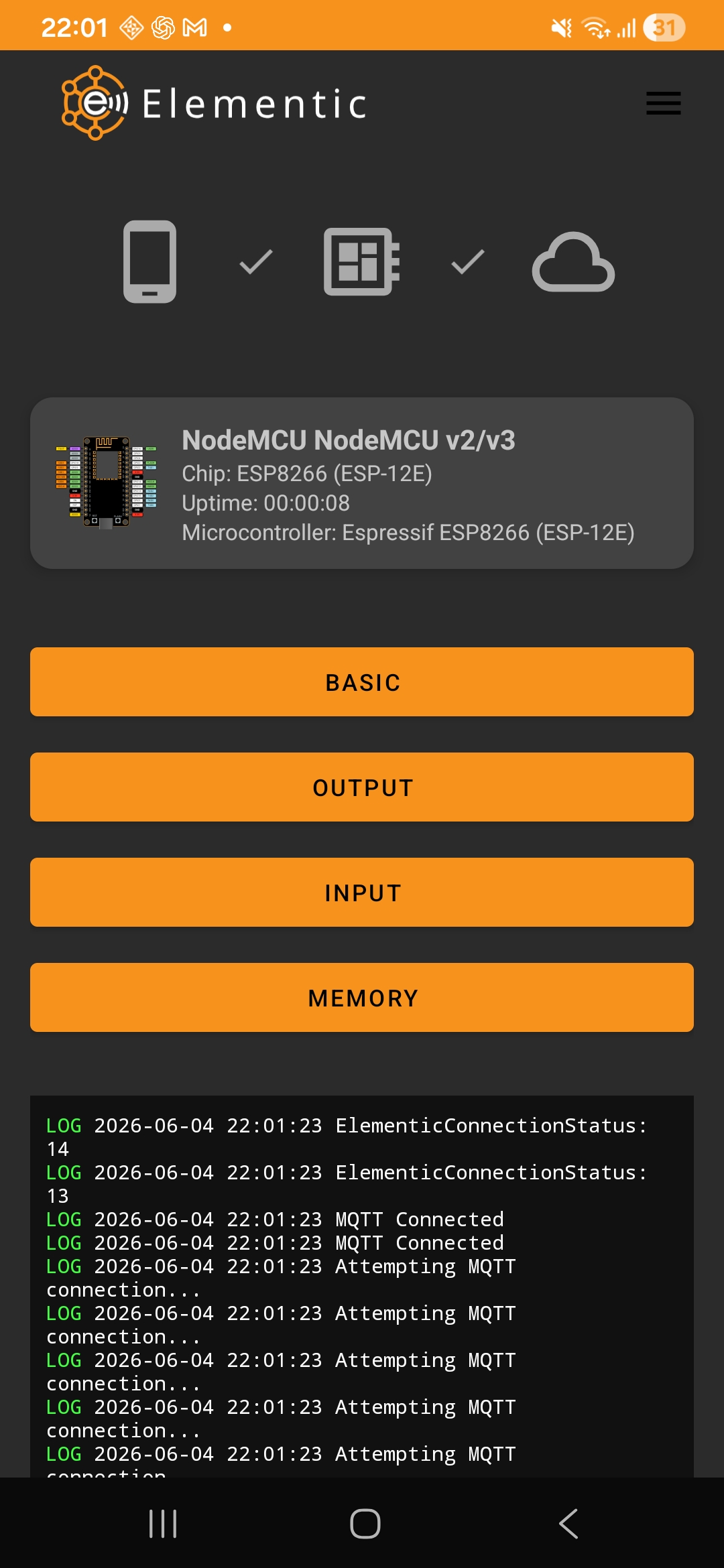
Users should be able to select a supported device, expose the relevant settings, and assign inputs or outputs with much less friction.
The app can explain a project in a few understandable layers: generic variables, inputs, outputs and pin mapping.
The Arduino firmware owns runtime behavior: reading inputs, driving outputs, applying generic variables and saving or loading settings from EEPROM.
The Android app owns the configuration experience: it helps users understand the device definition and choose the right project settings.
Laravel ties both sides together by storing supported devices, pin maps, controller relations and starter code.