
Library
Multi-platform firmware structure for variables, serial communication, EEPROM-backed settings, and input or output handling.
Introduction
Application of as elementary as possible electronic solutions. Using light weight digital solutions increases reliability, reduces engineering effort, and cyber security is more manageable. Elementic brings together a reusable Arduino library and an Android configuration app so automation projects stay easier to build, configure and maintain.
Testers, please visit https://elementic.app/forum/forums for commenting the App, website or library!
Multi-platform firmware structure for variables, serial communication, EEPROM-backed settings, and input or output handling.
Configure projects through generic variables, inputs and outputs, then keep those settings aligned with the embedded side.
Use the site as the source of truth for compatible devices, microcontrollers, pins, project definitions and generated starter files.
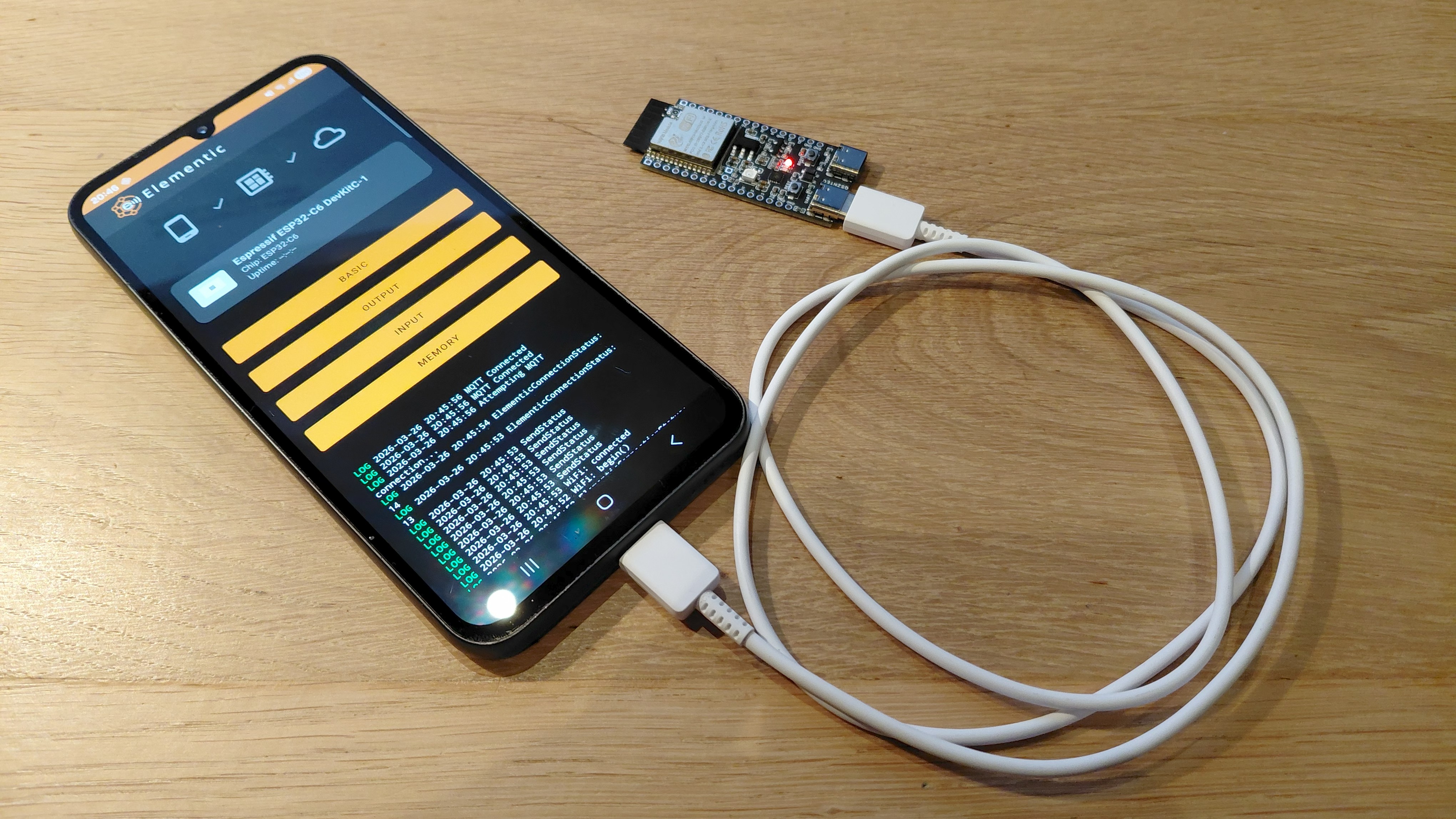
Start with a supported device and controller from the public library.
Create a project after login, choose the device by its Excel-based hardware identity, and define generic variables, inputs and outputs.
Generate a ProjectVariablesAutomated.cpp file that mirrors the structure used on the embedded side.
Share the project with other registered users by adding their email addresses to the project.
Browse compatible devices complete with controllers, SVG views, pin metadata and starter code.
Open the public microcontroller library to compare capabilities such as GPIO count, flash, RAM, USB, Wi-Fi and Ethernet support.